


Check My De Lancer Internet
Slow internet? Check it in one minute.
The app checks your connection step by step (Wi-Fi, router, websites and speed), tells you what is fine and what is not, and puts you in touch with De Lancer support with the results in hand.
Free · Android 8 or newer · Works on De Lancer's network
How it works
Four steps, no networking know-how needed
The app guides you and asks before every step.
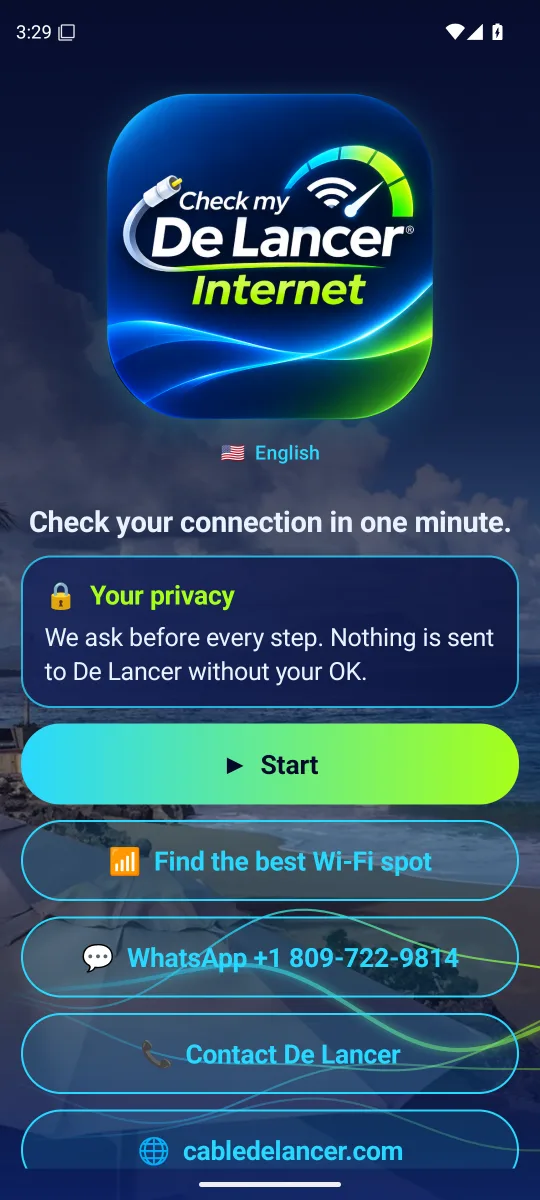
Open the app and tap «Start»
With your phone connected to the Wi-Fi of your De Lancer service.
Check step by step
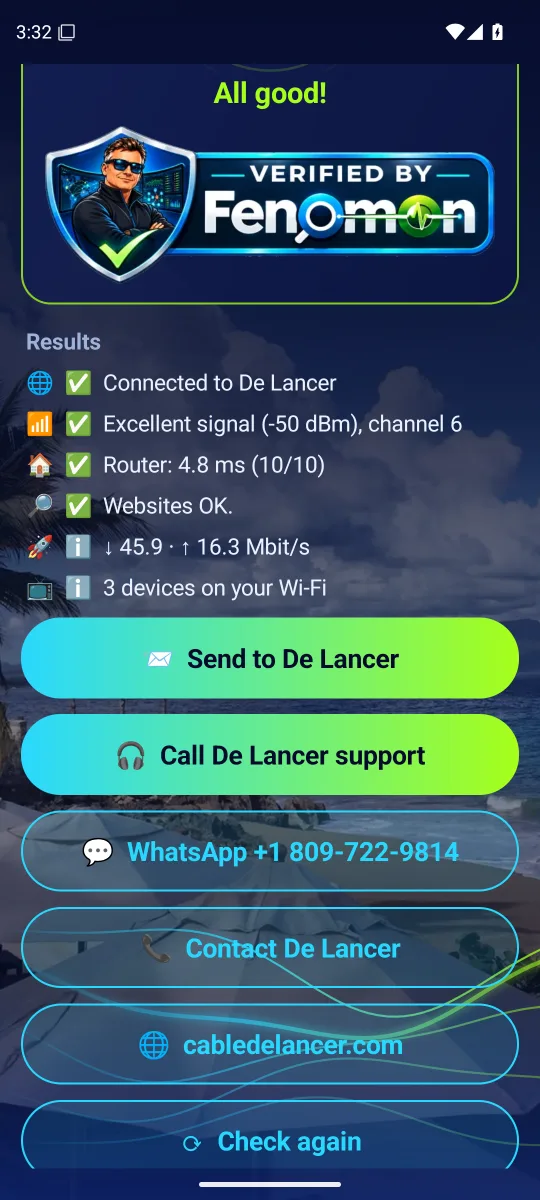
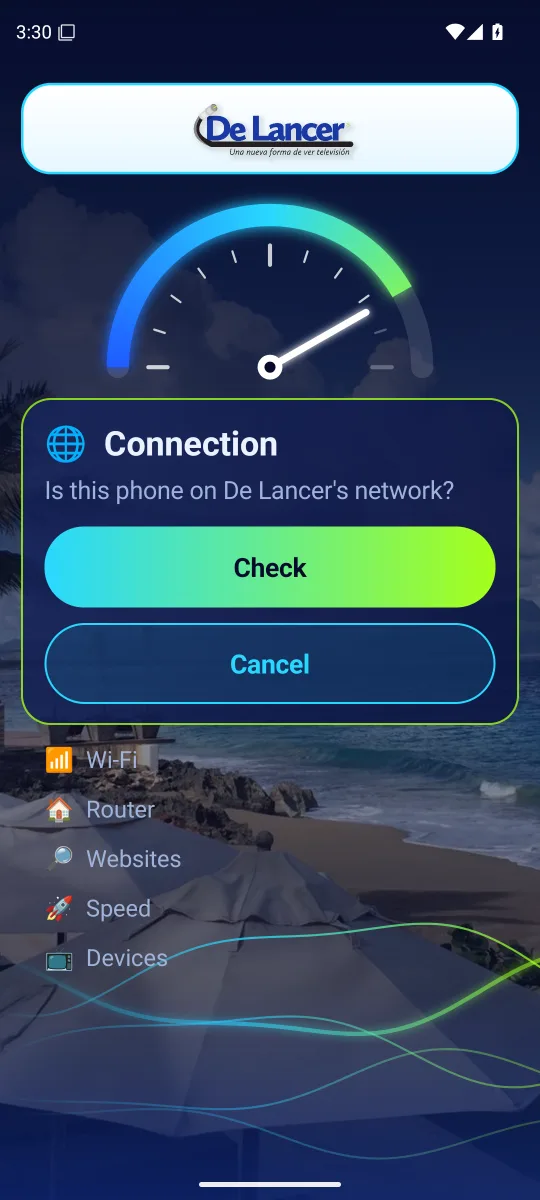
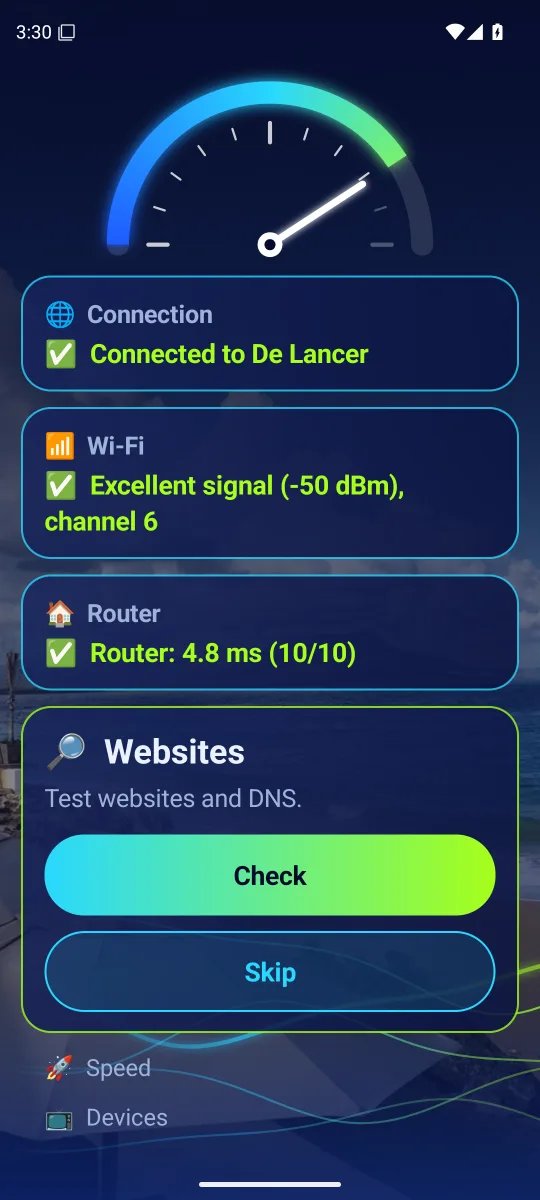
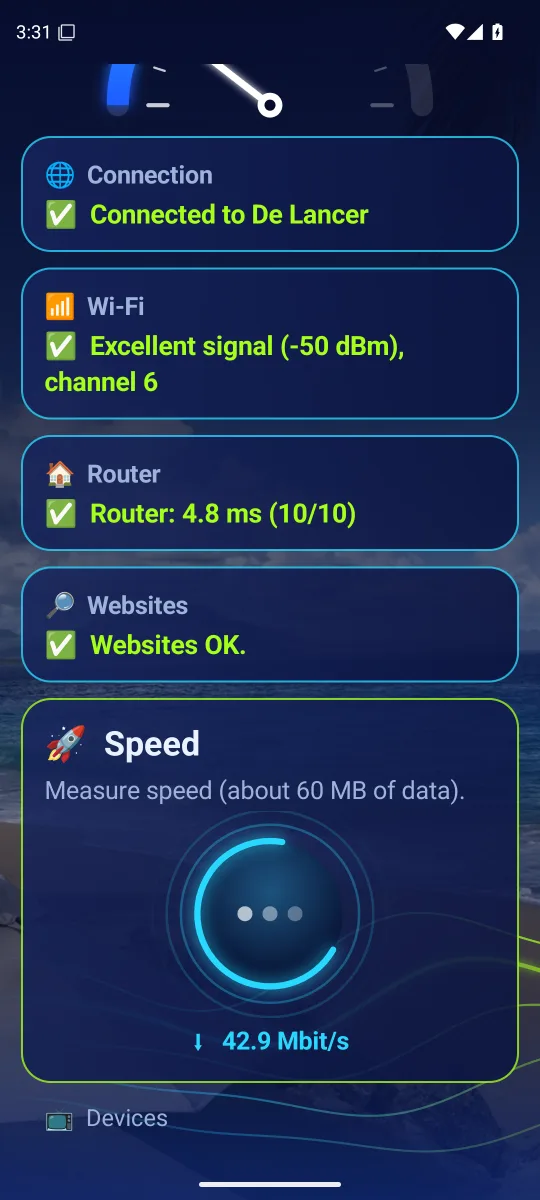
Connection, Wi-Fi, router, websites, speed and devices. You can skip any step.
See the results
What is fine and what fails, with clear tips to fix it.
Get help if you need it
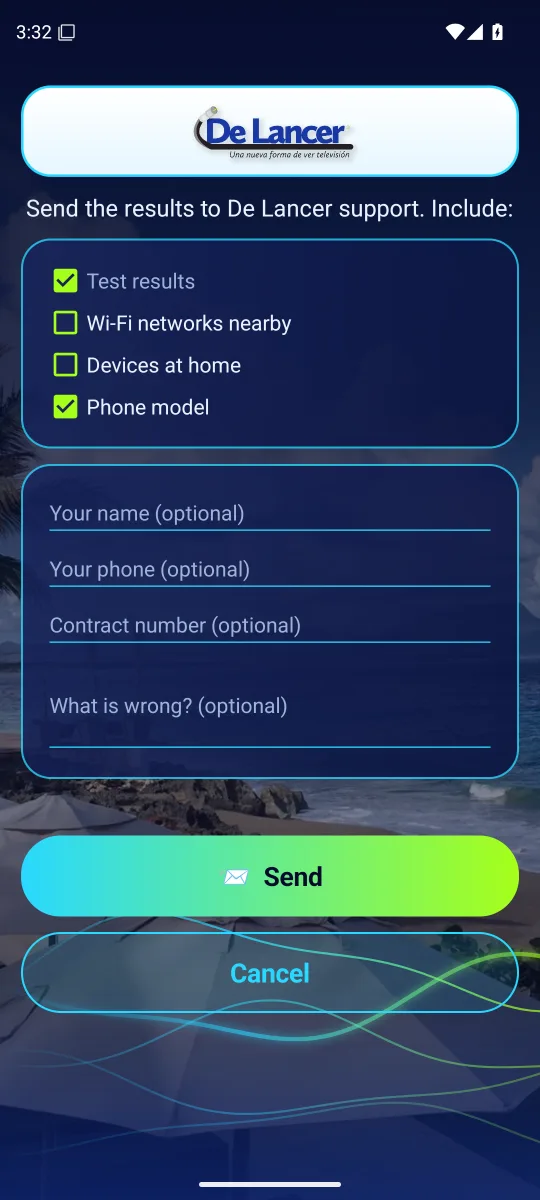
Send the results to support and get a code, call from the app, or write on WhatsApp.
What it checks
The same checks a technician would run, from your phone
Connection
Confirms you are on De Lancer's network, and warns when a VPN is in the way or the service appears suspended.
Wi-Fi
Your network's signal and channel, and whether nearby networks get in its way.
Router
How fast your router answers, and whether there is a second router at home.
Websites
That websites open and that names (DNS) work.
Speed
Download and upload in a few seconds. Uses about 60 MB of data.
Devices
How many devices are on your Wi-Fi. It's optional.
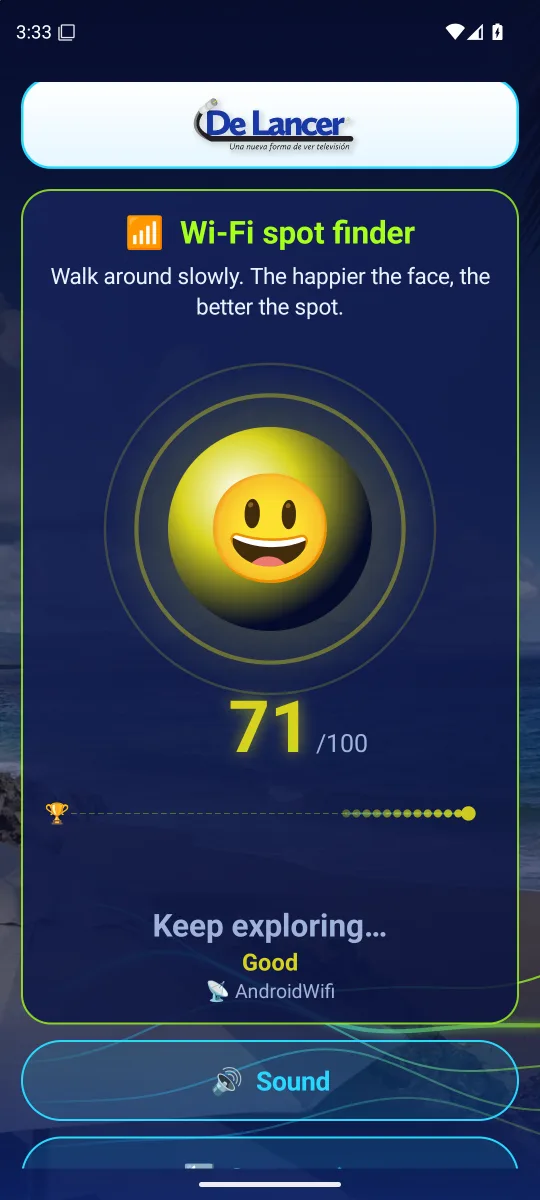
Wi-Fi spot finder
Walk around the house: the happier the face, the better the signal. Great for placing the router or your desk.
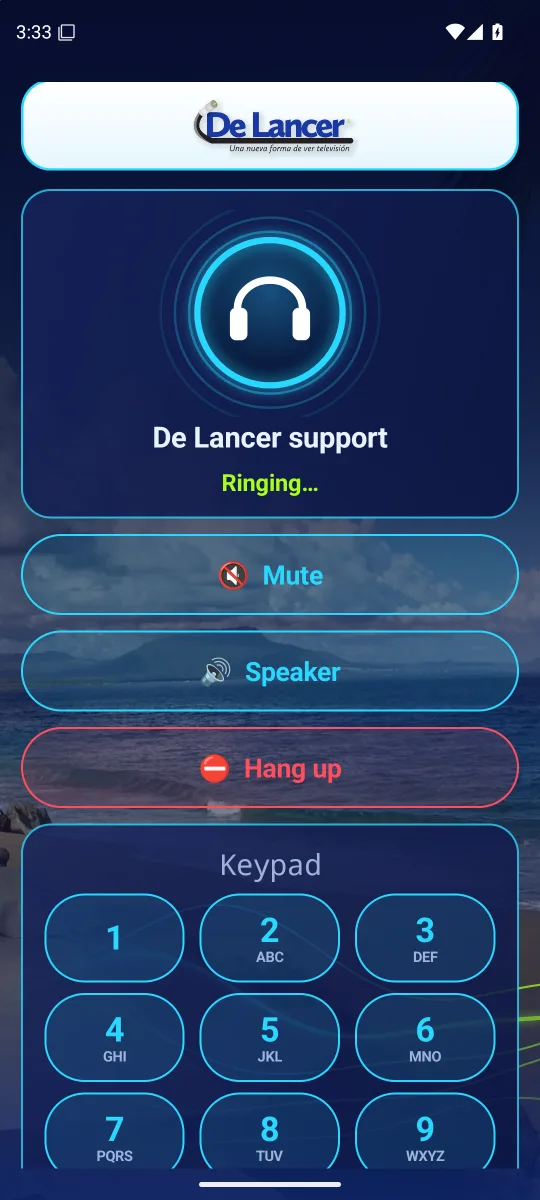
Call support
Call support from the app, in your language, with a keypad for the menu.
Send to support
You choose what to send. You get a code so support finds your case at once.
Why it helps
Less waiting, faster answers
For you
- Know in one minute whether the problem is your Wi-Fi, your router or the service.
- Many problems are fixed with the tips alone: change the channel, move the router or restart it.
- No need to explain everything on the phone: support already sees your results.
- Fewer technician visits and faster answers.
For the support team
- Real data from the customer's home, not just «the internet doesn't work».
- The report code leads straight to the case and the customer's equipment.
- A Wi-Fi problem at home is told apart from a network problem at once.
- Calls arrive with the customer's language.
Inside the app
How it looks
Swipe to see each screen.
Your privacy first
The app asks before every step. Nothing is sent to De Lancer without your permission, and you choose what to include: results, nearby Wi-Fi networks, devices at home, phone model and, if you wish, your name, phone or contract number.
Your location is not collected or sent (Android asks for the permission only to see Wi-Fi networks), and the microphone is used only during a call you start. Nothing runs in the background.
FAQ
Does it cost anything?
No. The app is free for De Lancer customers.
Does it work away from home or on mobile data?
It is made to check your De Lancer service, so it works when the phone is connected to De Lancer's network. If you use mobile data or another network, the app tells you so.
Why does it ask me to turn off the VPN?
A VPN sends your traffic another way, so the results would not be those of your connection. Turn it off while you check.
Is there an iPhone version?
For now the app is available for Android, version 8 or newer.
What do I do with the code I get?
Give it to support by phone or WhatsApp: with it they find your results right away.